
QR Codes and the Fast Check-In
A QR code in a confirmation email can turn check-in into a two-second scan. Here is how to use them well without leaving anyone behind.
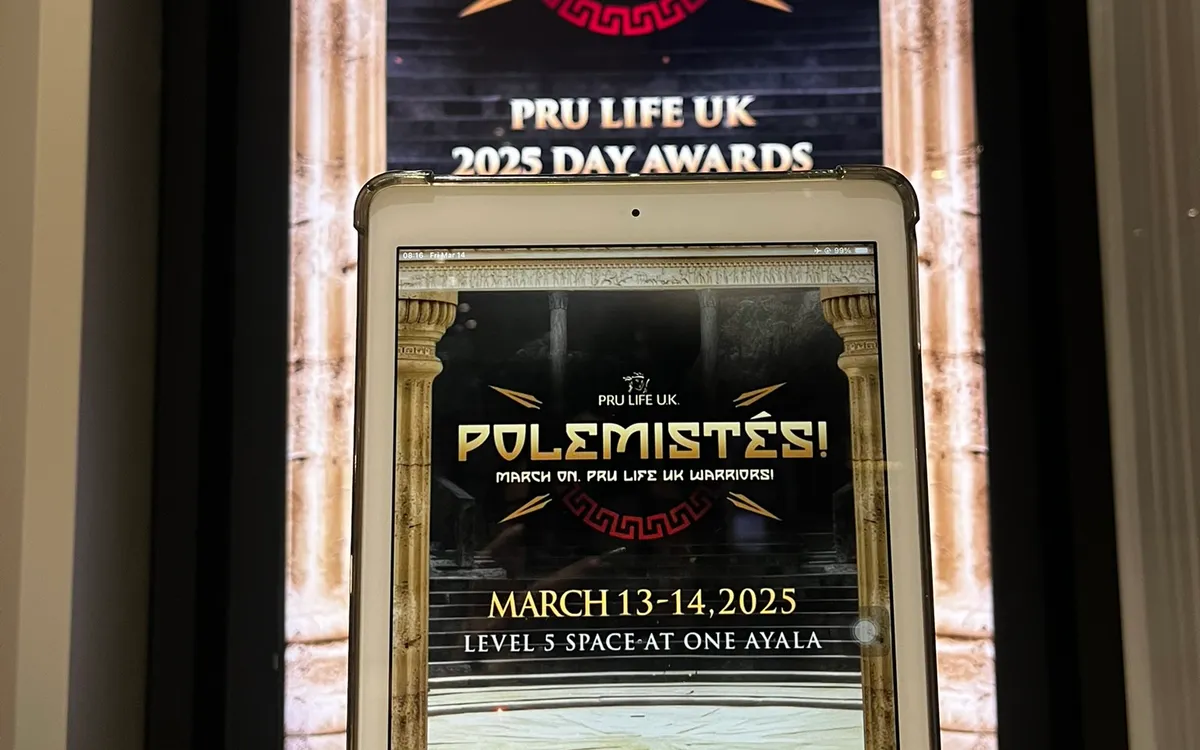
One of the simplest ways to speed up event check-in is a QR code. Sent to guests in their confirmation, presented on arrival, and scanned at the desk, it can turn registration into a near-instant interaction — no name to spell, no list to search, just a quick scan and a welcome. Used well, QR codes make a fast entrance even faster.
Here is how to use them effectively, without leaving anyone behind.
How QR Check-In Works
When a guest registers, they receive a confirmation containing a unique QR code — on their phone or printed. On arrival, they present it, a staff member or kiosk scans it, and the guest is instantly identified and checked in. If badges are printed, one appears immediately. The whole interaction can take a couple of seconds.
The speed comes from removing the lookup entirely. Instead of finding a name among hundreds, the scan pulls up the exact guest instantly. For large events with a sharp arrival surge, this is a meaningful acceleration.
The Benefits
QR check-in offers several advantages:
- Speed. A scan is faster than any name search, keeping lines short even during the peak.
- Accuracy. The code identifies the exact guest, eliminating misspellings and wrong-guest errors.
- Self-service friendly. QR codes work beautifully at self-service kiosks, where guests scan themselves in without any staff involvement.
- A polished feel. A quick scan-and-go entrance feels modern and efficient, reinforcing a professional impression.
Send the Code Clearly
The QR code only helps if guests have it ready. Send it prominently in the confirmation and reminder communications, with clear instructions to present it on arrival. Make it easy to find on a phone — not buried in a long email — so guests are not fumbling at the desk. A gentle reminder the day before to have the code ready smooths the arrival.
Consider that some guests will have it on their phone and others may print it; your scanning setup should handle both effortlessly.
Always Have a Fallback
The essential rule of QR check-in: never make it the only way in. Some guests will not have the code — they deleted the email, their phone died, they never received it, or they are a walk-in. A smooth fallback to name-based digital check-in ensures no one is stuck at the door. The QR code is an accelerator for those who have it, not a barrier for those who do not.
Brief your staff to switch seamlessly to name lookup when a guest arrives without a code, so it is a non-event rather than a hold-up.
Combine With Self-Service
QR codes and self-service kiosks are a natural pairing. A guest scans their code at a kiosk and checks themselves in, with a badge printing nearby — no staff involvement at all. This combination handles large volumes of pre-registered guests with minimal staffing, freeing your team for hospitality and exceptions. For big events, a bank of scan-enabled kiosks can move an impressive number of guests through quickly.
Keep the Scanning Smooth
The scan itself should be effortless. Position the scanning point where guests naturally present their code, ensure the setup reads codes reliably from both phones and printouts, and make the interaction quick and clear. A clunky scan that takes several tries defeats the purpose. Test your scanning setup beforehand so it works smoothly on the day.
Mind Accessibility and Comfort
While QR codes speed things up for most, remember that not every guest is comfortable with them. The fallback to name-based and staffed check-in ensures everyone can enter easily, whatever their comfort with technology. As always, the goal is a fast entrance for those who want it and an easy one for everyone.
Handle the Codes Responsibly
A QR code ties to a guest's registration, so handle the codes and the data behind them responsibly. The code itself should reference the guest's record securely, not expose personal information directly, and the system reading it should protect the data it pulls up. This is part of the broader responsibility of handling guest data at events: the convenience of a scan should never come at the cost of exposing guests' information. Use reputable, secure tools for QR check-in, as you would for any registration handling personal data.
Be thoughtful about how codes are sent and stored, too. A code sent in a confirmation should go to the right guest securely, and guests should not have their codes exposed in ways that let someone else use them. While the practical risk at most events is modest, treating the codes with basic care respects your guests and maintains their trust. It is the same principle that governs all event data handling: collect and use what you need, protect it, and do not expose it carelessly.
Communicate clearly so guests understand and trust the process. Letting guests know they will receive a code to present on arrival, and that it simply speeds their check-in, sets expectations and reassures them. Guests are comfortable with a process they understand; a mysterious code with no explanation invites hesitation. Clear communication also reduces the friction of guests unsure what the code is for or how to use it. Handled responsibly and explained clearly, QR check-in gives guests a fast, secure, understandable entrance — the convenience of a scan without any cost to their privacy or trust. As with every registration tool, the technology should serve the guest experience while respecting the guest, and a little care in how you handle the codes ensures QR check-in does exactly that. Speed and responsibility are not in tension here; a well-run QR check-in delivers both at once.
Scan, Welcome, Done
A QR code turns check-in into a near-instant scan, cutting lines and adding polish — provided you send the code clearly, always keep a name-based fallback, and make the scan itself smooth. Paired with self-service kiosks, it handles large crowds with minimal staffing. Used thoughtfully, it makes a fast entrance faster without leaving anyone behind.
If you are planning an event in Metro Manila, we can set up QR-enabled check-in with a seamless name-based fallback — iPads, stands, and printers, delivered and configured by our team.
Planning an event?
We deliver and set up iPads, printers, and registration tech across Metro Manila.
Request a quote